AInkLab

AI Tattoo Generator

With the AI Tattoo Generator, bring your wildest ideas to life. Upload a photo or describe your idea, and start creating instantly.
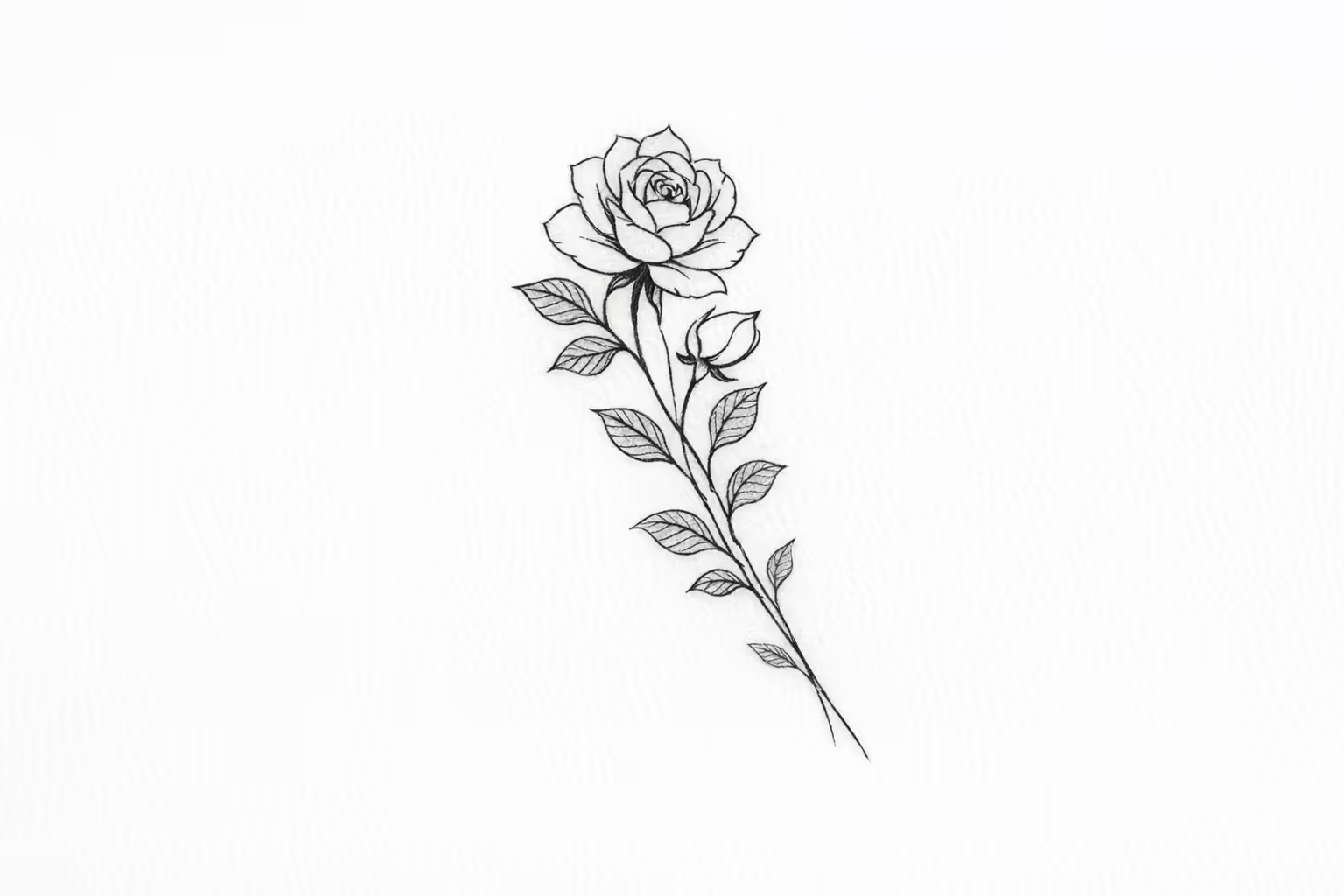
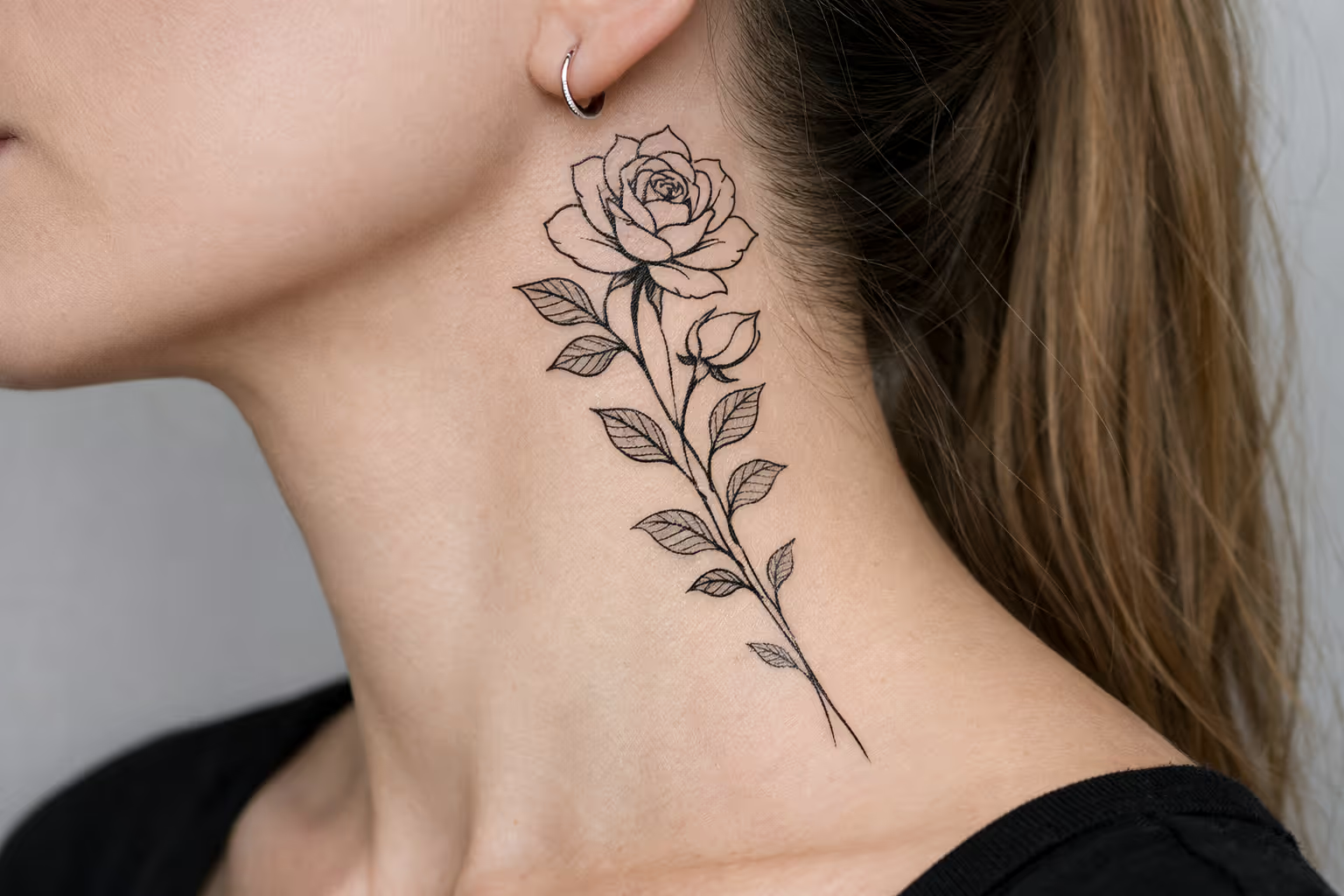
tattoo example previewtattoo example preview

Create Tattoo Concepts with Our AI Tattoo Generator — AInkLab

Turn short prompts or ideas into polished tattoo concepts using our AI tattoo generator. It suggests composition and visual direction so you can preview design options quickly.
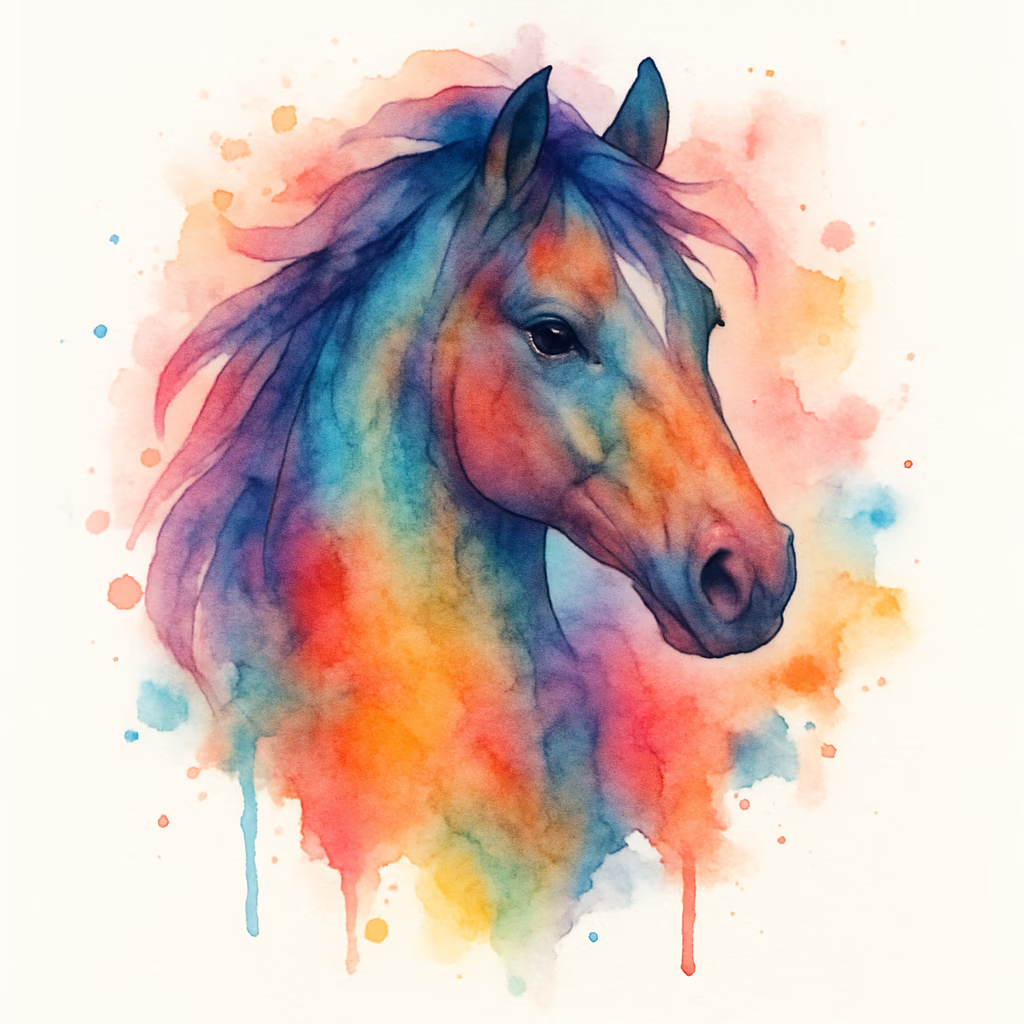
AI generated tattoo concepts based on text prompts

"cool horse"

From prompt to polished concept

Use our AI tattoo generator to quickly explore style and layout variations before you finalize a direction.

Turn Images into Tattoo Concepts — AInkLab

Upload a photo or sketch and our AI tattoo generator will produce refined, tattoo‑ready concepts with suggested layouts and style variations.

Why Choose AInkLab AI Tattoo Generator

Quickly turn ideas into tattoo-ready designs with AInkLab — our AI tattoo generator and curated tattoo image library produce personalized, high-quality tattoo concepts for artists and enthusiasts.

Fast Custom Tattoo Concepts

Use AInkLab's AI tattoo generator to produce tailored tattoo ideas from short prompts — clear composition and reference-friendly linework for easy revision.

Wide Tattoo Style Range

Generate fine-line, blackwork, watercolor, geometric and other tattoo styles with our AI — pick the look that fits your vision.

Studio-Ready Tattoo Files

High-resolution, print-friendly tattoo outputs that artists can use as stencils, references, or direct design assets.

How To Use AInkLab AI Tattoo Generator

Create tattoo concepts in three simple steps — from idea to studio‑ready files.

1

Describe or Upload

Enter a short idea or upload a photo/reference. AInkLab analyzes your input to generate matching tattoo concepts and composition options.

2

Refine & Select

Browse multiple generated variants, pick a direction, and refine style, size or detail level to suit the placement and artist workflow.

3

Download & Share

Export high‑resolution files with scale guides — print or share them directly with your tattoo artist for stencil creation or final approval.

Frequently Asked Questions — AInkLab AI Tattoo Generator

Common questions about AInkLab, the AI tattoo generator. Learn how our AI transforms text prompts or reference images into tattoo‑ready designs and high‑resolution files.

AInkLab is an AI tattoo platform and generator that converts short text prompts or uploaded references into multiple tattoo concepts and styles. Outputs are optimized for tattoo artists (stencils, references) and clients seeking custom tattoo ideas.
Give a concise prompt (e.g. 'small compass, fine‑line, wrist') or upload a JPG/PNG. Our AI tattoo generator extracts composition, refines contours, normalizes line weights and removes unnecessary shading to produce clear, editable artwork suitable for stencils and studio use.
Use short text prompts or upload JPG/PNG reference images. AInkLab's AI supports fine‑line, blackwork, neo‑traditional, watercolor, geometric and other tattoo styles, with previews for monochrome stencils and colored concepts.
Yes. Upload photos, sketches or scans — the AI tattoo generator will clean backgrounds, isolate the subject and produce simplified outlines and multiple variations for tattoo use. High‑contrast, well‑lit references yield the best tattoo‑ready results.
Designs are synthesized per request to minimize reuse. AInkLab's AI avoids copying trademarked or copyrighted characters; do not prompt for protected logos or characters. Premium subscriptions may include expanded usage and commercial rights — check terms for details.
AInkLab provides high‑resolution PNG, PDF and SVG exports with scale guides and clean outlines — studio‑ready files that can be printed, used as stencils, or shared with tattoo artists. Select the format that fits your workflow.
Free tier includes limited daily generations and lower priority. Premium offers higher‑resolution outputs, priority processing, watermark‑free downloads and broader commercial usage rights for prints or client work. Refer to the subscription page for specifics.
Commercial use is typically permitted under Premium licensing (prints, merchandise, or paid design services), provided you respect intellectual property laws. Review plan terms for precise commercial rights and limitations.
Use concise prompts: subject + tattoo style + placement (e.g. 'small blackwork rose, forearm'). For uploads, choose clear, high‑contrast references with simple backgrounds. Iterate with slight prompt changes to refine the tattoo‑ready artwork.

Pricing

Choose a plan for AInkLab — the AI tattoo generator that turns prompts or reference images into studio‑ready tattoo files.

Starter

Easy AI tattoo design experience

$ 9.99
USD
1 Month
300points
1 Month
Up to 150 images
1 Month
Privacy Protection
Email Support
No-watermark Outputs
High Quality Print
Personal Use
Early Access
Commercial Use
Batch Mode

Hobby

Enjoy more AI creative fun

$ 19.99
USD
1 Month
900points
1 Month
Up to 450 images
1 Month
Privacy Protection
Email Support
No-watermark Outputs
High Quality Print
Personal Use
Early Access
Commercial Use
Batch Mode
Popular

Professional

Unlock AI creative potential

$ 39.99
USD
1 Month
3000points
1 Month
Up to 1500 images
1 Month
Privacy Protection
Email Support
No-watermark Outputs
High Quality Print
Personal Use
Early Access
Commercial Use
Batch Mode

Business

Empower efficient team creation

$ 99.99
USD
1 Month
15000points
1 Month
Up to 7500 images
1 Month
Privacy Protection
Email Support
No-watermark Outputs
High Quality Print
Personal Use
Early Access
Commercial Use
Batch Mode